Take into use in Netbank
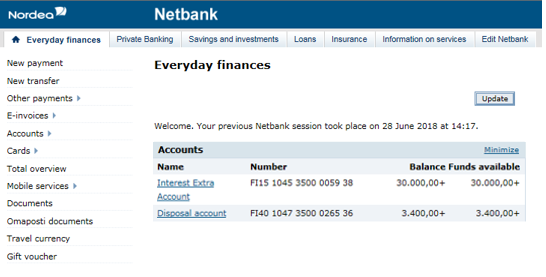
1. Log into Netbank. Navigate to section "Access codes" under the "Edit Netbank" tab. Click the 'Take Nordea Codes app into use' link.
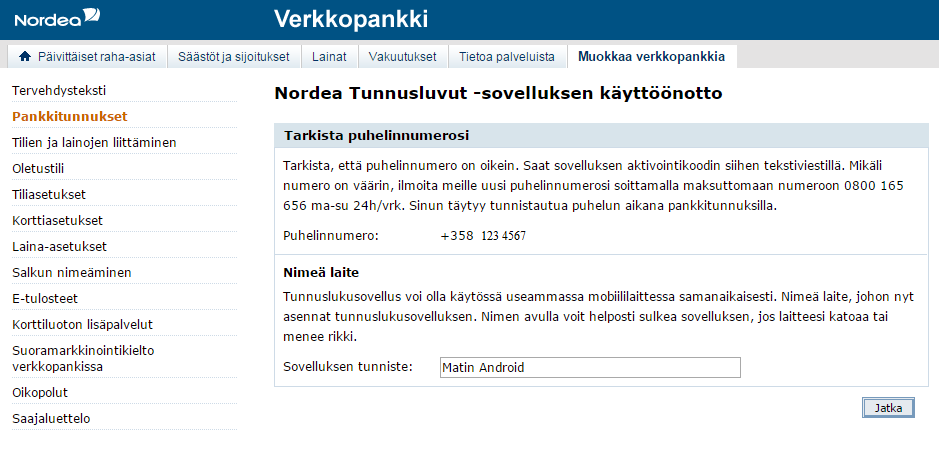
2. Select a verified phone number to which the app's activation code will be sent. If you don’t have a verified phone number, confirm your number by calling the toll free automatic phone number authentication service at 0800 170 777, from the number you wish to confirm. When calling, you must identify yourself with the code card. You can now continue the activation process by clicking “Take Nordea Codes app into use” link.
Name also the mobile device e.g. Lauras WP to which you are going to install/download the app. This way it will be easy to close the app when necessary. Click Continue.
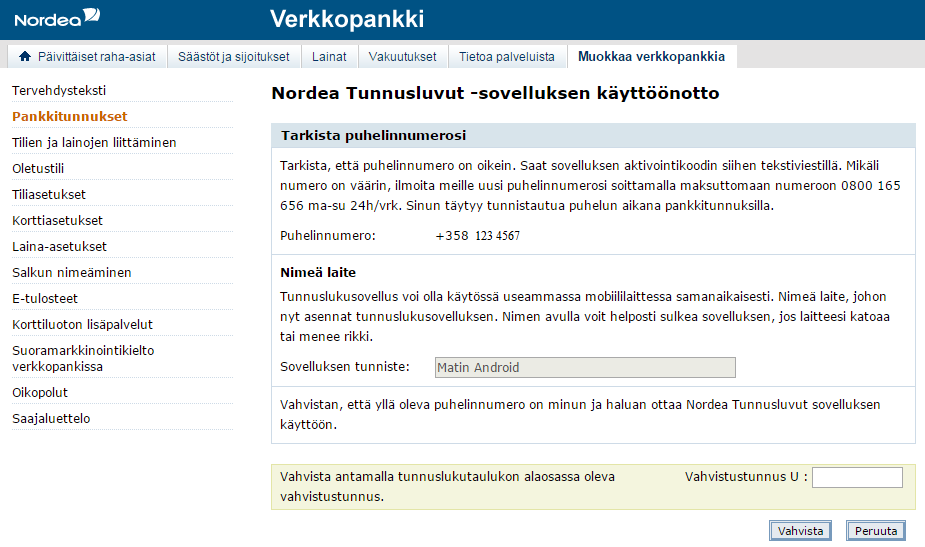
3. Confirm the taking into use of the code app with a confirmation code from the code card.
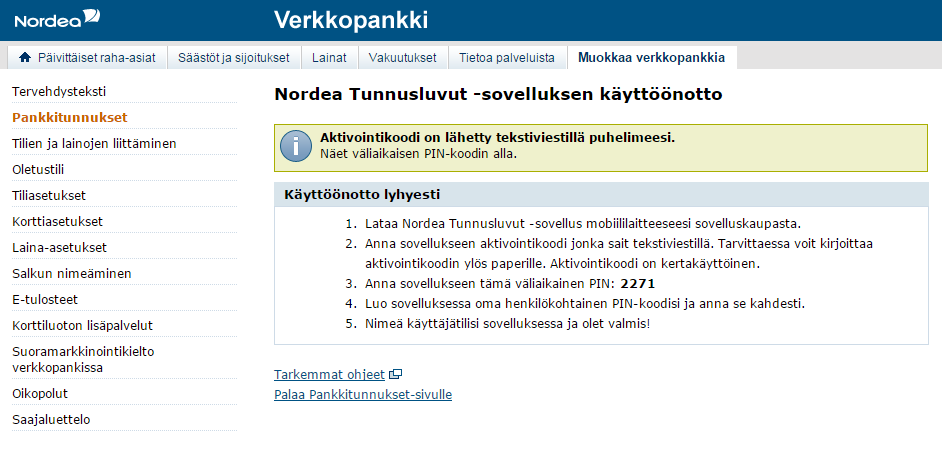
4. After the confirmation you will receive the app's activation code to the mobile phone number you have chosen.
Now you will find in Netbank short instructions on how to implement the app and the temporary PIN code needed to activate the app. Leave the Netbank page open and continue to implement the app in your mobile device.
Take into use in your mobile device
1. Open the Nordea Codes app in your mobile device.
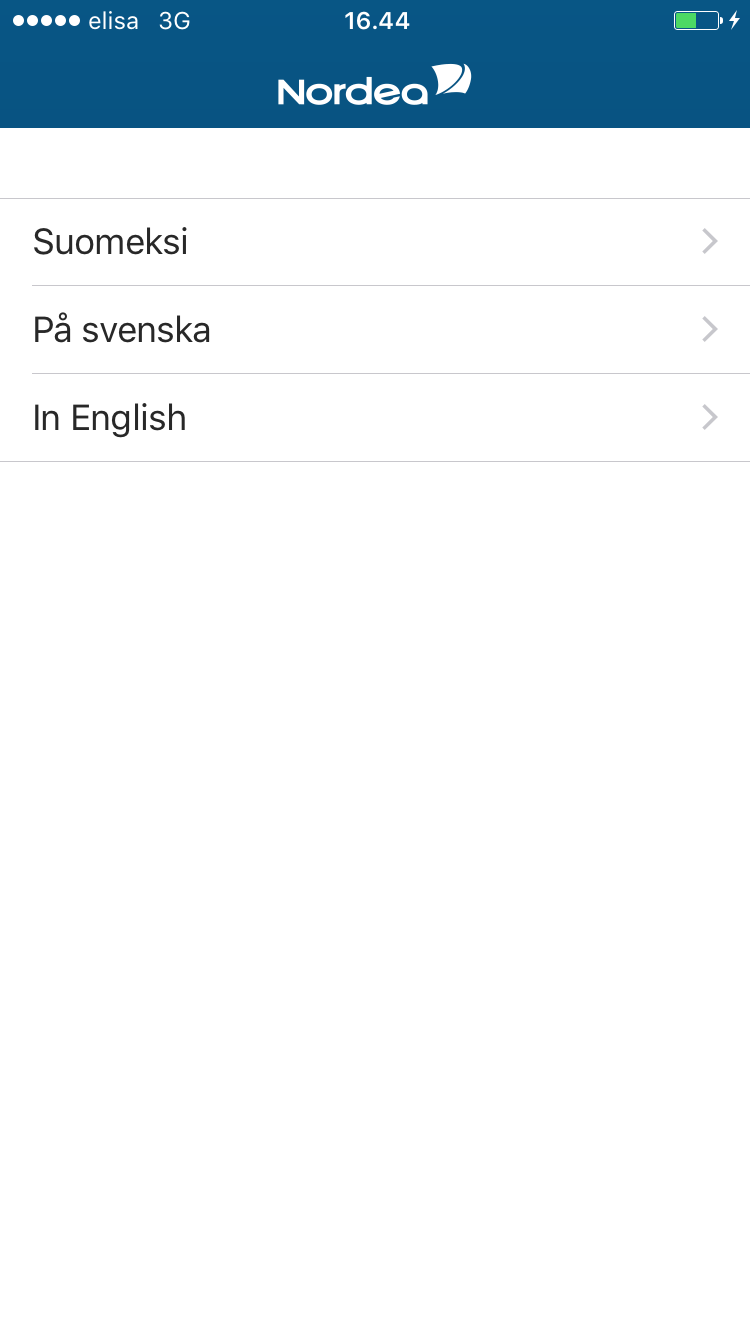
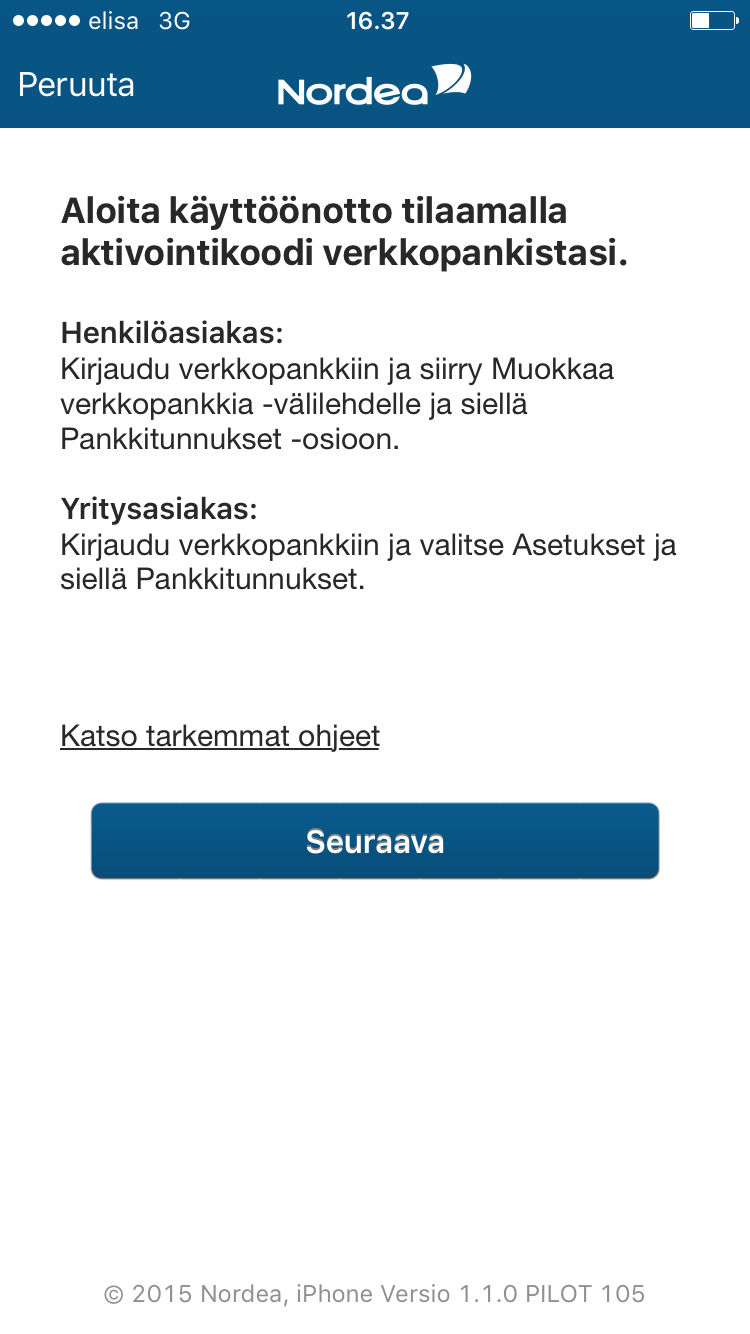
2. Select the language in which you want to use the code app. You can change the language in the code app's menu after you have started to use the app.
3. If you have not yet taken the app into use in Netbank, do it now. You will find the instructions in the code app.
If you have already taken the code app into use in Netbank, click Next.
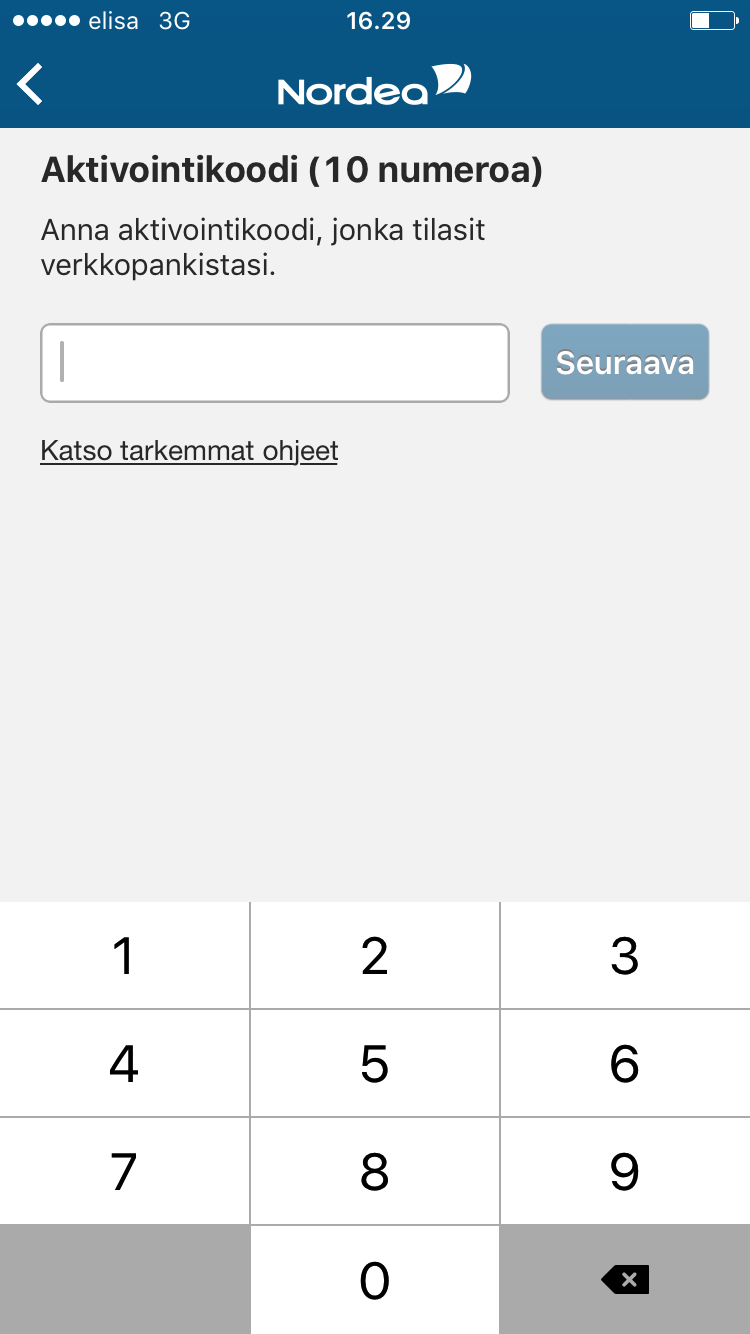
4. Enter the activation code you received in an SMS and click Next. Write the activation code down on paper, if necessary. The activation code is a single-use code.
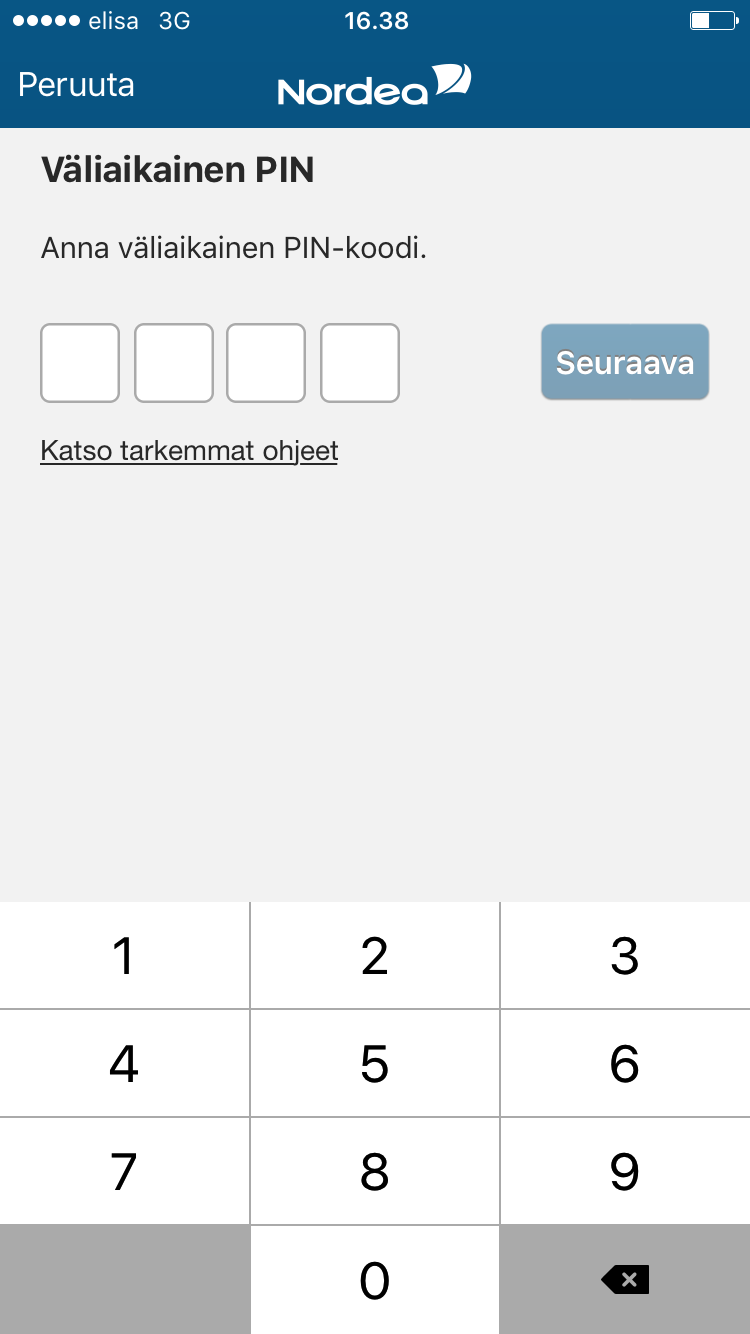
5. Enter your temporary PIN code shown in Netbank and click Next. The temporary PIN code can be found on the page 'Take into use in brief' in Netbank.
If you have closed Netbank without noticing the temporary PIN code, restart the take into use flow of the app in Netbank. You will receive a new activation code in an SMS and you will see a new temporary PIN code in Netbank.
Note! If you click the Cancel button, you will be transferred to the first activation step. As the activation code is single-use, you will need a new activation code in order to continue.
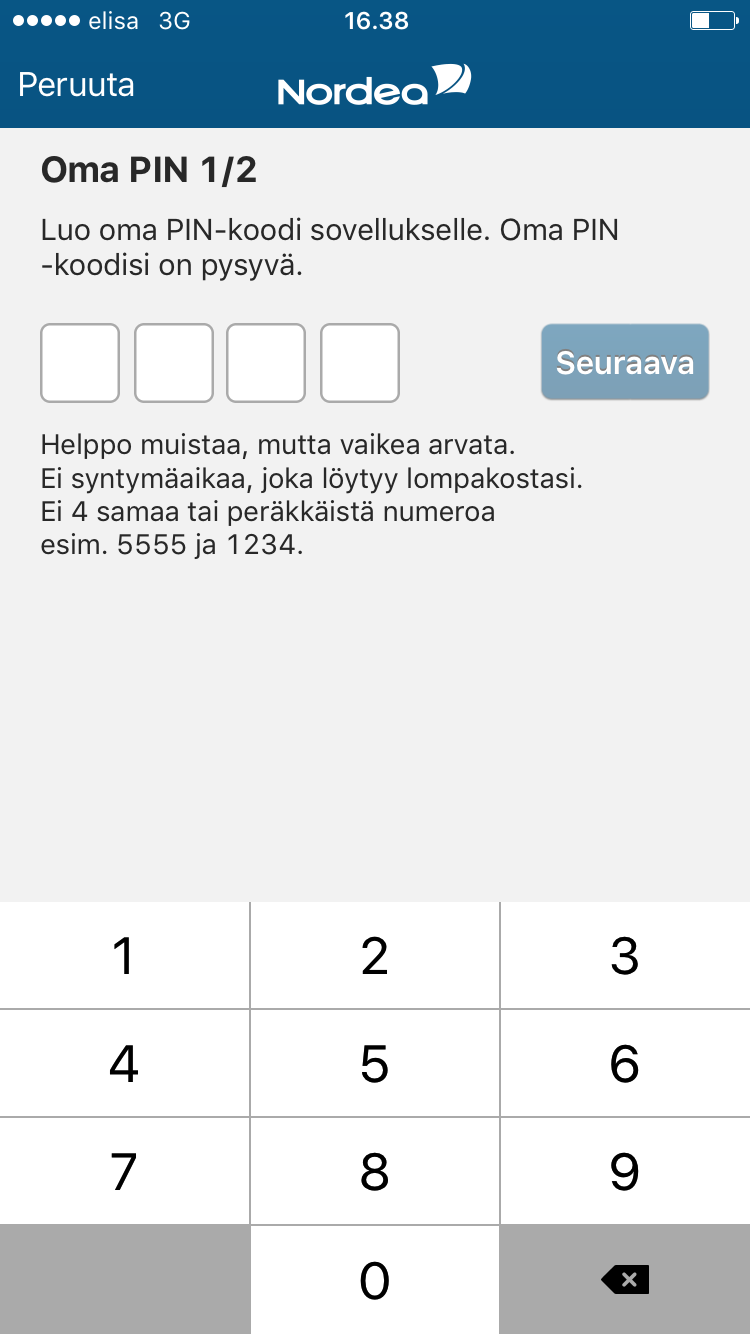
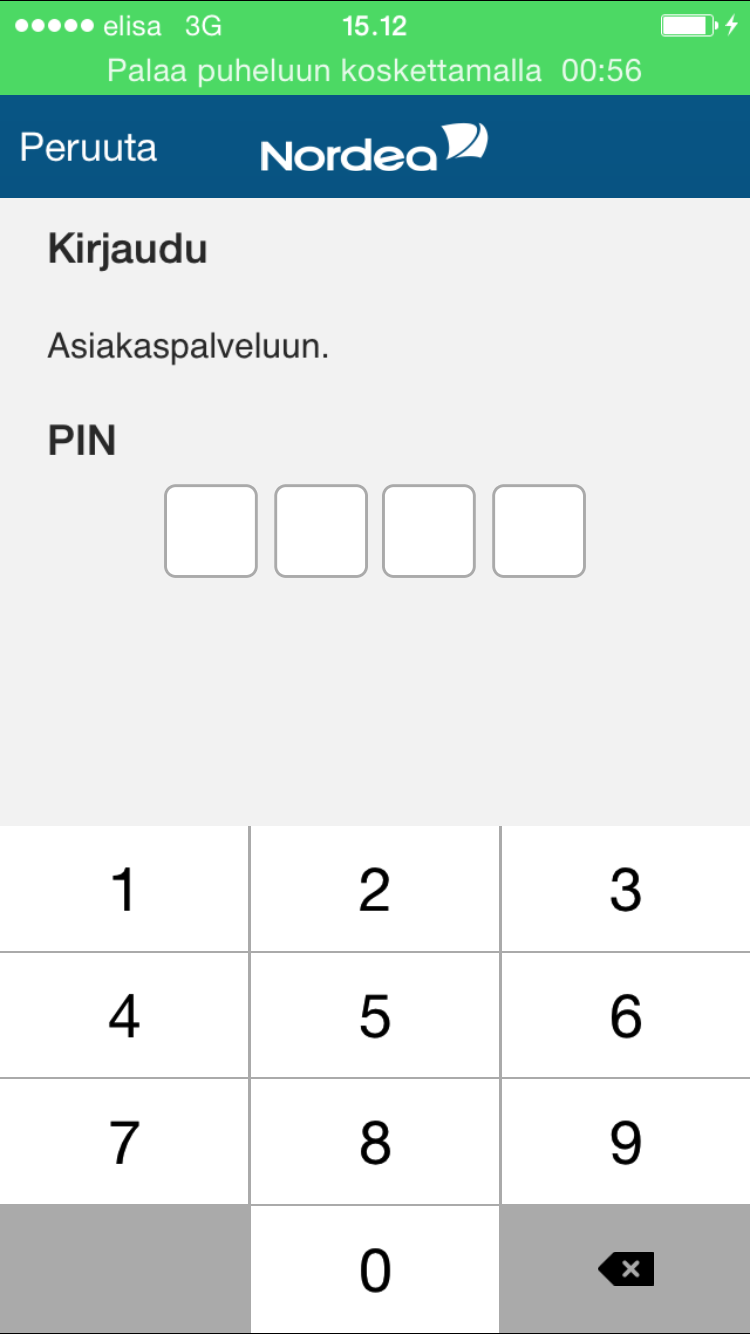
6. Now create your own personal PIN for the code app. The PIN code is permanent and you can change it after you have finished the take into use flow from the app's menu, if you want to.
When you enter the last digit of the four-digit PIN code, the app will automatically transfer you to step 7.
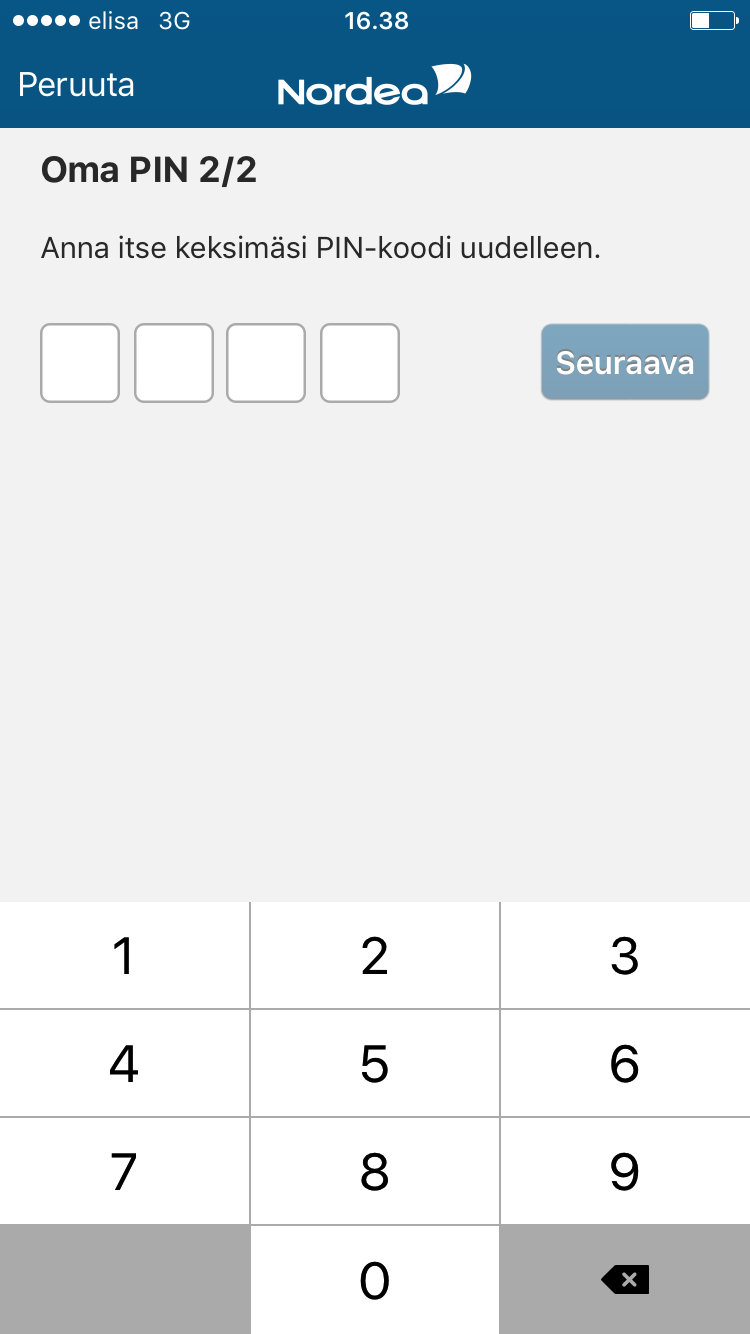
7. Re-enter the PIN code you have created and click Next.
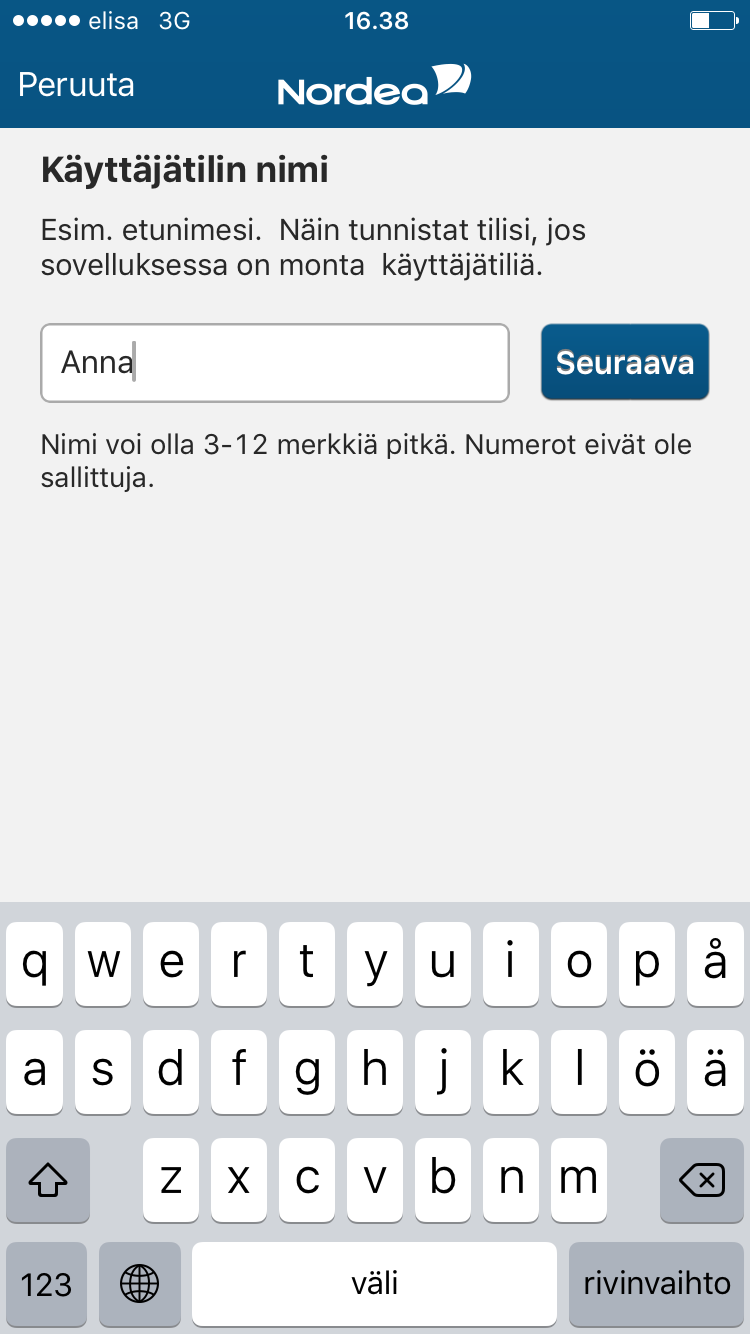
8. Give a name to your user account, your own name, for example, and click Next.
The name may contain 3 to 12 characters and it cannot contain numbers.
Note! If you click the Cancel button, you will be transferred to the first activation step. As the activation code is single-use, you will need a new activation code in order to continue.
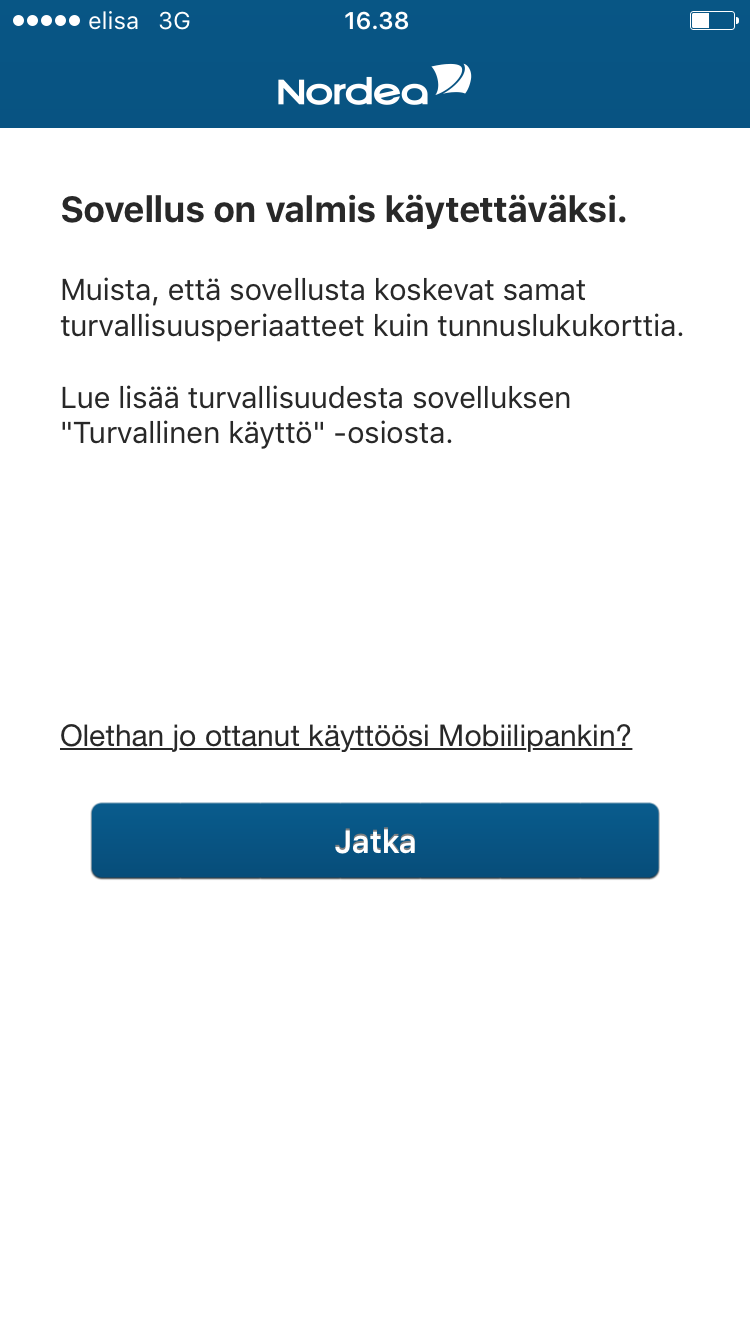
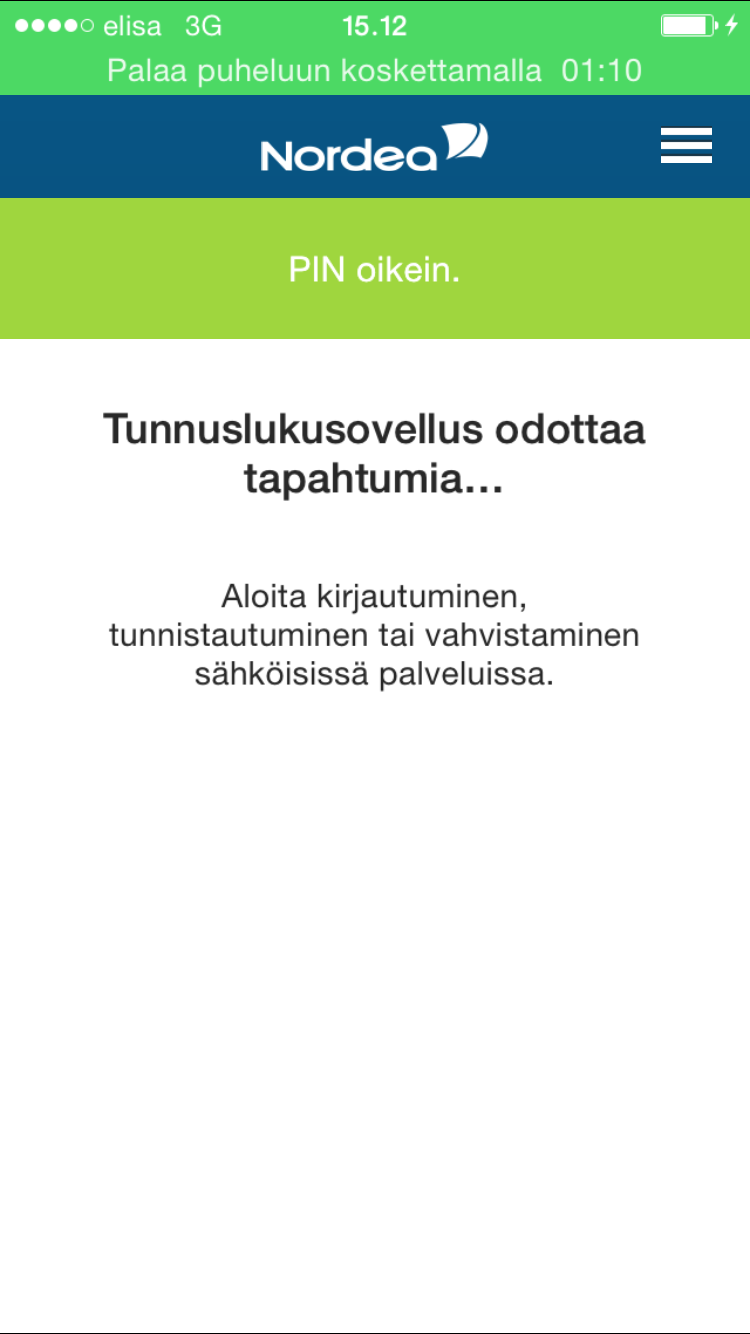
9. The app is ready for use. Read the security instructions and click Continue.
Read more about secure mobile banking.
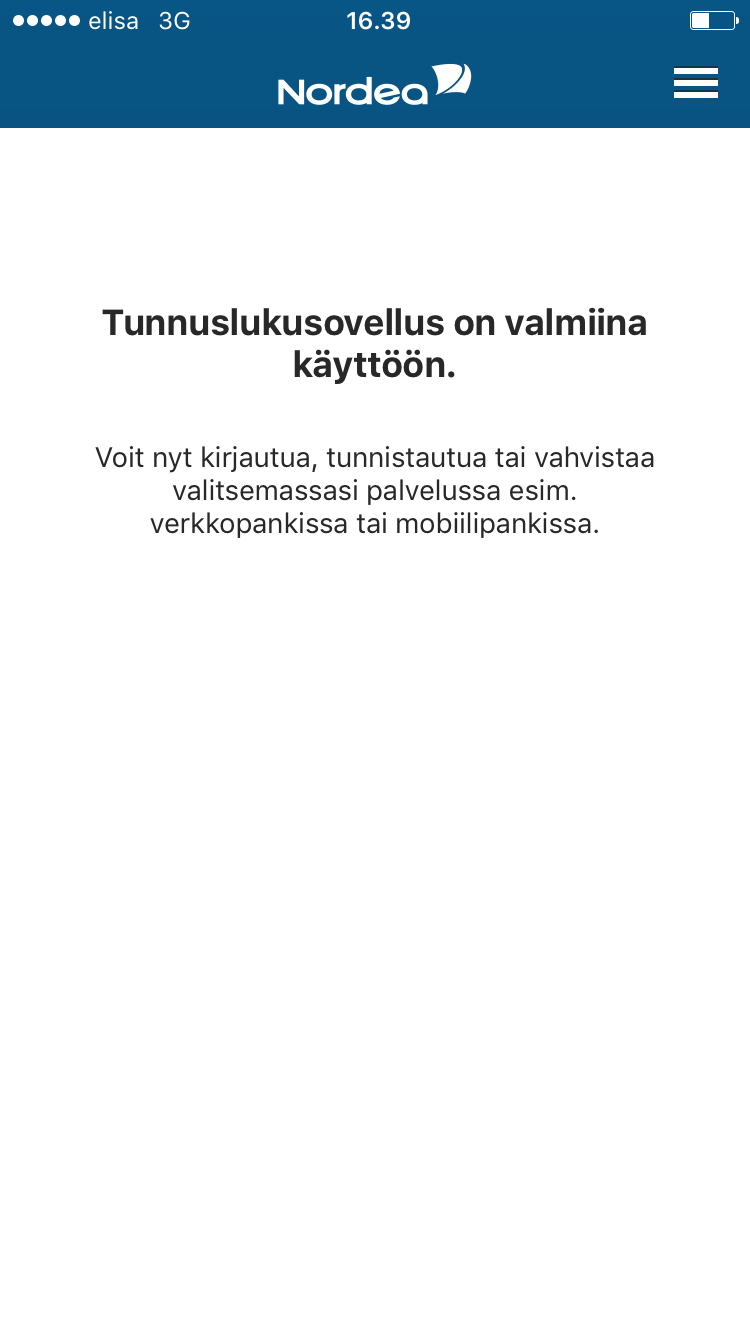
10. The code app is available to you in the same services you now use with the code card. You can now close the app.
Note! Your code card is still valid. Remember to take good care of it. If necessary, you can use the code card alongside the app, if your mobile device is broken or if you have lost it. You can choose the login method in the service you intend to use.
.svg)