Use Google Pay in shops, cafés and online

  • Did your purse get lost in your bag? No need to look for it – simply pay with your phone.

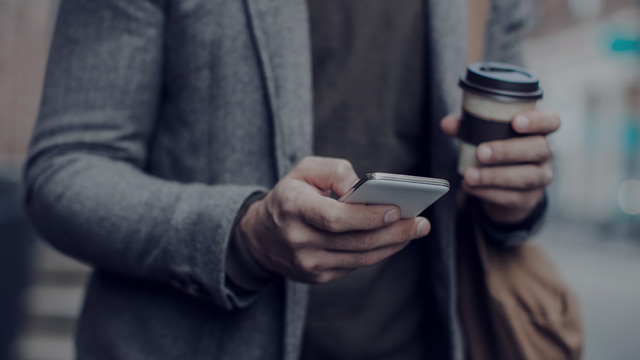
  • Feeling thirsty on a walk? Buy a beverage on the go using your phone.payments with just a couple of taps.

  • Secure your payments with just a couple of taps.
Three easy ways to get started

If you have an account with Nordea, you can easily set up Google Pay in your mobile bank. It is also easy to do in Nordea Wallet or directly in the Google Pay app, which we recommend downloading in any case to manage the cards you have added.

Oops! Accept Marketing cookies to view contents like this from Nordea

1. If you have an account with Nordea, set up Google Pay in mobile bank

If you are familiar with the Nordea Mobile app, setting up Google Pay is easy. Just make sure you have the latest version of Nordea Mobile. You can also download the app below.

  1. Open Nordea Mobile and select the card you want to use.
  2. Tap “Add to Google Pay”.
  3. Follow the steps of the verification process and accept the terms and conditions.

2. If you have a Nordea card, set up Google Pay in Nordea Wallet

With the handy Nordea Wallet app, you can easily see your purchase history and track your spending. When you are setting up Google Pay in Nordea Wallet, just make sure you have the latest version of the app or download it to your phone. 

  1. Open Nordea Wallet and select the card you want to use.
  2. Tap “Add to Google Pay”.
  3. Follow the steps of the verification process and accept the terms and conditions.

3. Download Google Pay to manage your cards

In the Google Pay app, you can choose which card you want to pay with and change your default card. You can also get started and activate your card directly in the app.

  1. Open or download Google Pay.
  2. Tap “+ Payment method” on the Payment tab and enter the card details.
  3. Follow the instructions and accept the terms and conditions.
  4. Confirm registration in the Nordea Wallet app.

How to pay easily...…

In a grocery shop

If you are already reading news articles on your phone in the queue at the grocery shop, you can pay for your purchases just by extending your arm. In other situations, follow these simple steps::

  1. Take your phone in your hand.
  2. Hold it close to a contactless payment terminal.
  3. Confirm the payment with the method of your choosing, such as Touch ID or Face ID
Online and in apps

Google Pay is a quick and secure way to pay online or in apps. It does not disclose your card details but provides online stores with your delivery information automatically:

  1. See if “Pay with Google Pay” is included in the payment options.
  2. Tap the button.
  3. Check your delivery information.
  4. Confirm the payment.

Oops! Accept Marketing cookies to view contents like this from Nordea

Google Pay – get started!

Through Nordea Wallet